

How to Prevent Your WhatsApp Business API Number from Getting Banned
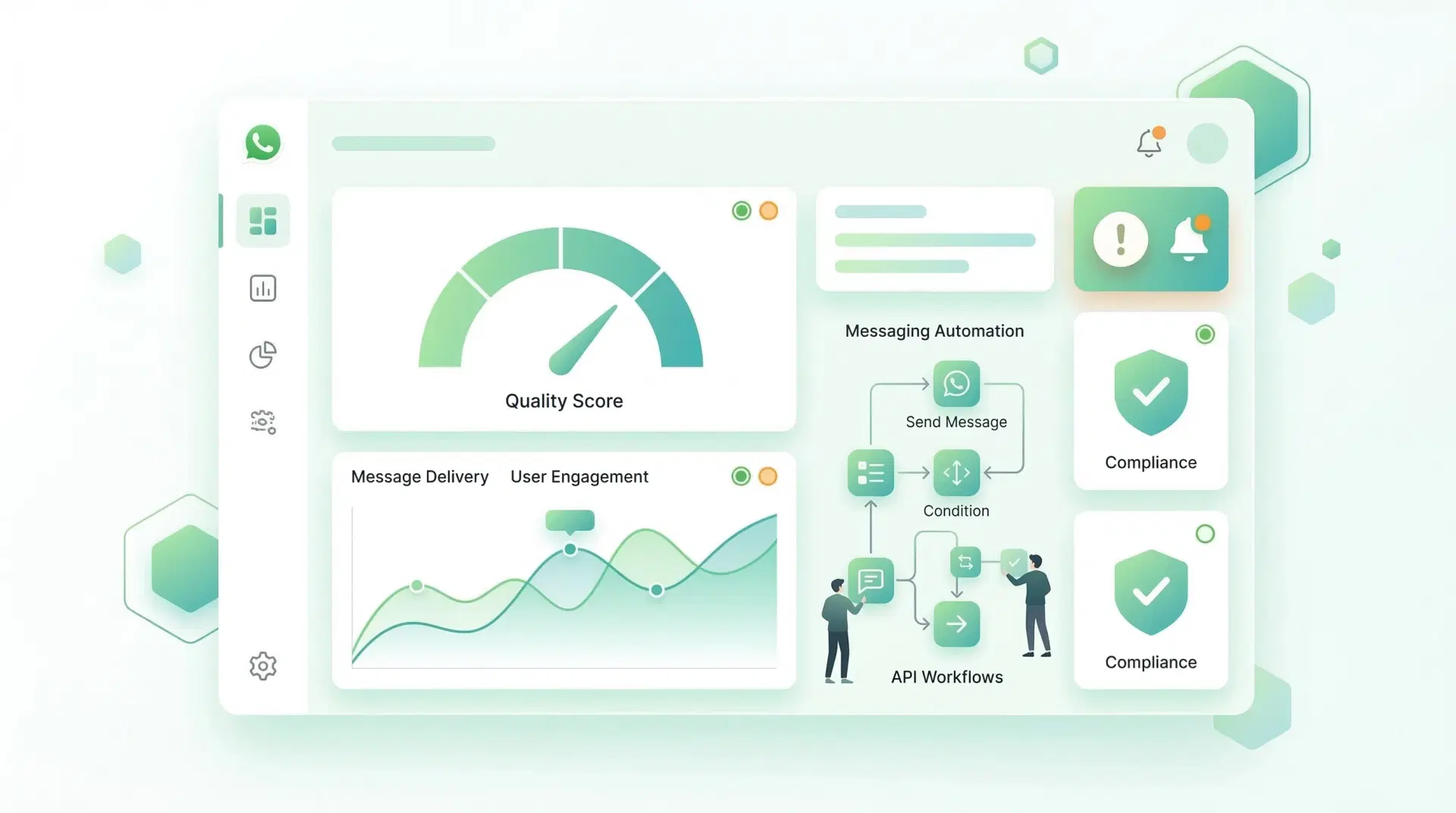
Learn the best methods to prevent your WhatsApp Business API number from getting banned, including proper opt-in, forcing interaction, and respecting user preferences.
1️⃣ Always Use Proper Opt-In
Best methods:
- Website checkbox consent
- WhatsApp Click-to-Chat ads
- QR code scan opt-in
- Lead forms with WhatsApp consent
Keep proof of opt-in.
2️⃣ If You’re Messaging Unknown or Cold Leads — Force Interaction Early
If you are sending messages to numbers that may not strongly remember your brand (cold leads, event leads, ad leads), your first goal is engagement — not selling.
Why?
WhatsApp monitors:
- Reply rate
- Blocks
- Spam reports
- Engagement quality
If users interact, your quality rating improves.
If they ignore or block, your rating drops fast.
You can monitor this inside Meta Business Manager.
🔥 Smart Strategy: Ask for Interaction in First Message
Instead of sending a direct sales pitch, send a message that encourages a reply.
❌ Risky Message (Low Interaction)
Hi, we have a 30% offer on our software. Offer ends today. Buy now.
Most people ignore or block this.
✅ Safer Engagement-Based Message (Higher Rating)
Example 1 – Simple Reply Trigger
Hi 👋 You recently showed interest in our CRM solution.
Are you looking for:
1️⃣ Sales automation
2️⃣ Lead management
3️⃣ WhatsApp marketing
Please reply with 1, 2, or 3.
✔ User replies
✔ WhatsApp sees conversation engagement
✔ Quality rating improves
Example 2 – Soft Permission Confirmation
Hi, this is regarding your inquiry about digital marketing services.
Is this a good time to share more details?
Reply YES to continue.
This reduces spam reports significantly.
Example 3 – Value-First Message
Hi, we created a free checklist to increase sales conversion by 20%.
Would you like me to share it here?
Instead of pushing an offer, you offer value.
🎯 Why Interaction Protects Your Number
When users:
- Reply
- Click buttons
- Ask questions
- Continue conversation
WhatsApp’s algorithm (by Meta) sees your number as:
- Relevant
- Expected
- Non-spam
This keeps your quality rating Green and helps increase messaging limits.
⚠️ Important Rules While Messaging Unknown Numbers
- Never send bulk promotional messages immediately
- Start with conversation-based templates
- Avoid ALL CAPS and aggressive sales tone
- Remove numbers that don’t respond after 2–3 attempts
- If someone says “Stop” → immediately opt them out
Built-In Opt-Out Protection with Cleomitra
To reduce the risk of WhatsApp Business API bans, your system must respect user preferences — automatically.
Cleomitra comes with a built-in opt-out (STOP) functionality that helps businesses stay compliant with WhatsApp policies.
Using an official WhatsApp Business API solution like Cleomitra ensures your business remains compliant while automating customer engagement at scale.
